The project dashboard that updates itself.
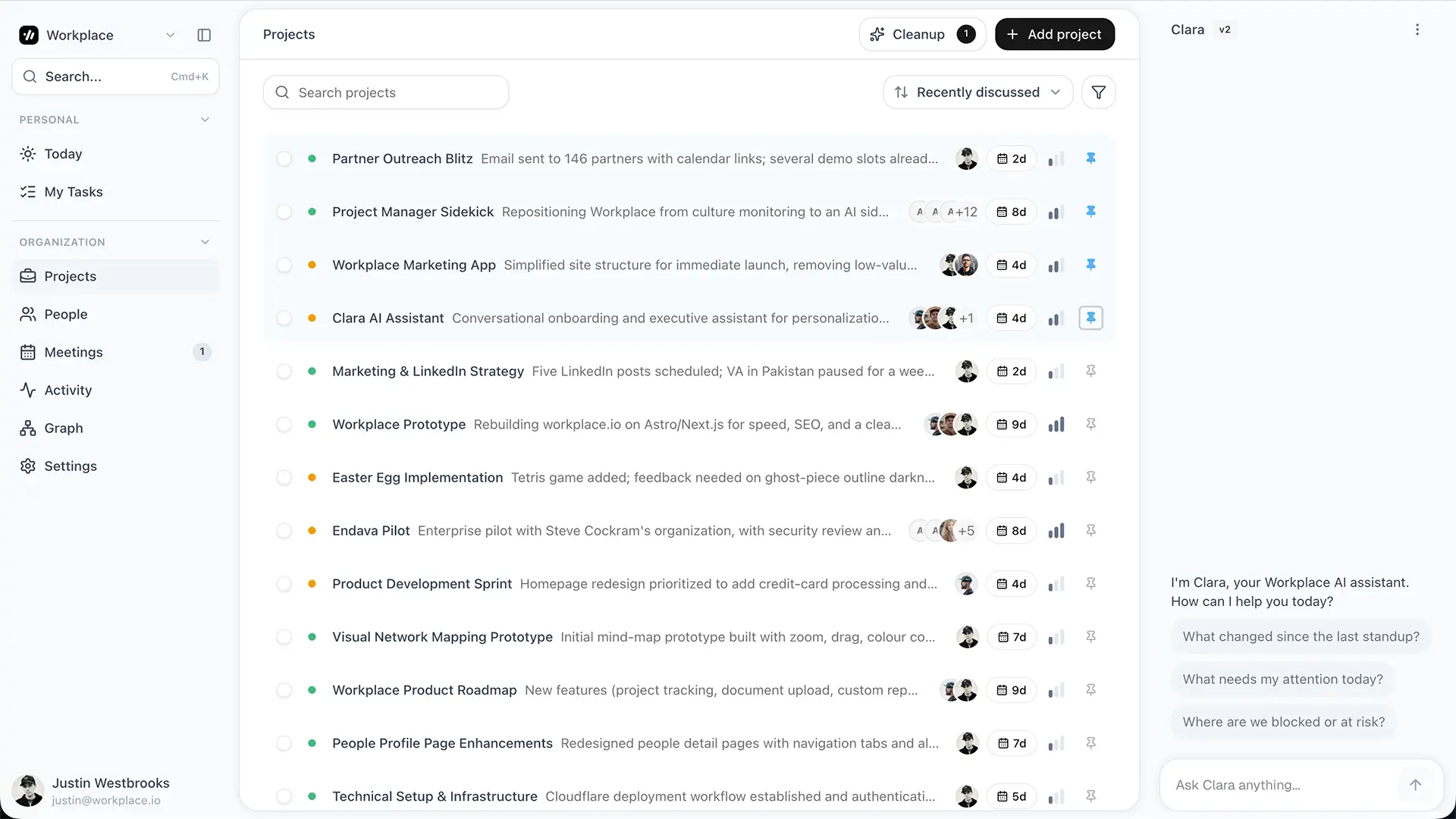
If you do not want to run the manual setup below, Workplace handles the whole process automatically. Watch the video below to see how it works.
The Claude Code skill pack
Great for tech-savvy Claude Code users who want a lightweight way to manually drop in meeting notes and keep their projects organized in a single .md file.
Paste this prompt into a new Claude Code session.
Set up the meeting-to-dashboard system. Do all of these in order.

1. Install the skill pack from https://github.com/workplace-jw/meeting-to-dashboard. Clone the repo to a temp directory, then copy the contents of the skills/ folder into ~/.claude/skills/.

2. In my current working directory, create the project tracking folder structure. A dashboard.md file at the root, an inbox/ subfolder for unprocessed notes, and an archive/ subfolder for closed projects.

3. Initialize dashboard.md using the init-dashboard skill. Date it today. Leave the active projects, action items, decisions, and stalled work sections ready for me to fill in.

4. Show me the full contents of dashboard.md in chat so I can see what was set up.

5. Show me a short usage guide for the six skills (init-dashboard, process-meeting, process-slack-thread, weekly-rollup, find-stalled-projects, add-item). For each one, say when to run it and what to paste in.
Set up in under two minutes.
Create a folder for your projects.
Pick a folder you trust. Your home directory, Dropbox, or a git repo all work fine.
Open Claude Code in that folder.
Run cd into the folder you just created, then run claude.
Paste the prompt above.
Claude installs the skill pack, creates your folder structure, initializes dashboard.md, shows you the file, and prints a short usage guide for the six skills. Done.
Then run these as the week unfolds.
Process meetings as they happen.
Paste a transcript or your raw notes into Claude and run process-meeting. The skill figures out which project, files the discussion, extracts action items with owners, and timestamps decisions.
Run the Friday rollup.
Run weekly-rollup. You get a one-page status doc covering every active project, what shipped, what is blocked, and what needs attention. Paste it into Slack or email.
Surface stalled work on Mondays.
Run find-stalled-projects. You get every project with no movement in the last two weeks, plus a short diagnosis of why each one might be quiet.
Worth knowing before you install
- Best for tech-savvy folks who live in the terminal.
- Works for individuals, not teams. There is no shared state.
- Plain text project tracking in a single .md file. No dashboards, automations, or live updates.
- You still have to paste your meeting notes in yourself. The skill formats and files them, nothing transcribes for you.
- No integrations. Nothing syncs to Slack, calendar, CRM, or anywhere else.
Want all of that handled for you? See Workplace.