Connect the tools you already use
One-click to connect the tools where you collaborate: Zoom, Google Meet, Microsoft Teams, Slack, and more.
Workplace turns your meetings into organized projects, notes,
and next steps, always updated in real time.
Trusted by many











One-click to connect the tools where you collaborate: Zoom, Google Meet, Microsoft Teams, Slack, and more.
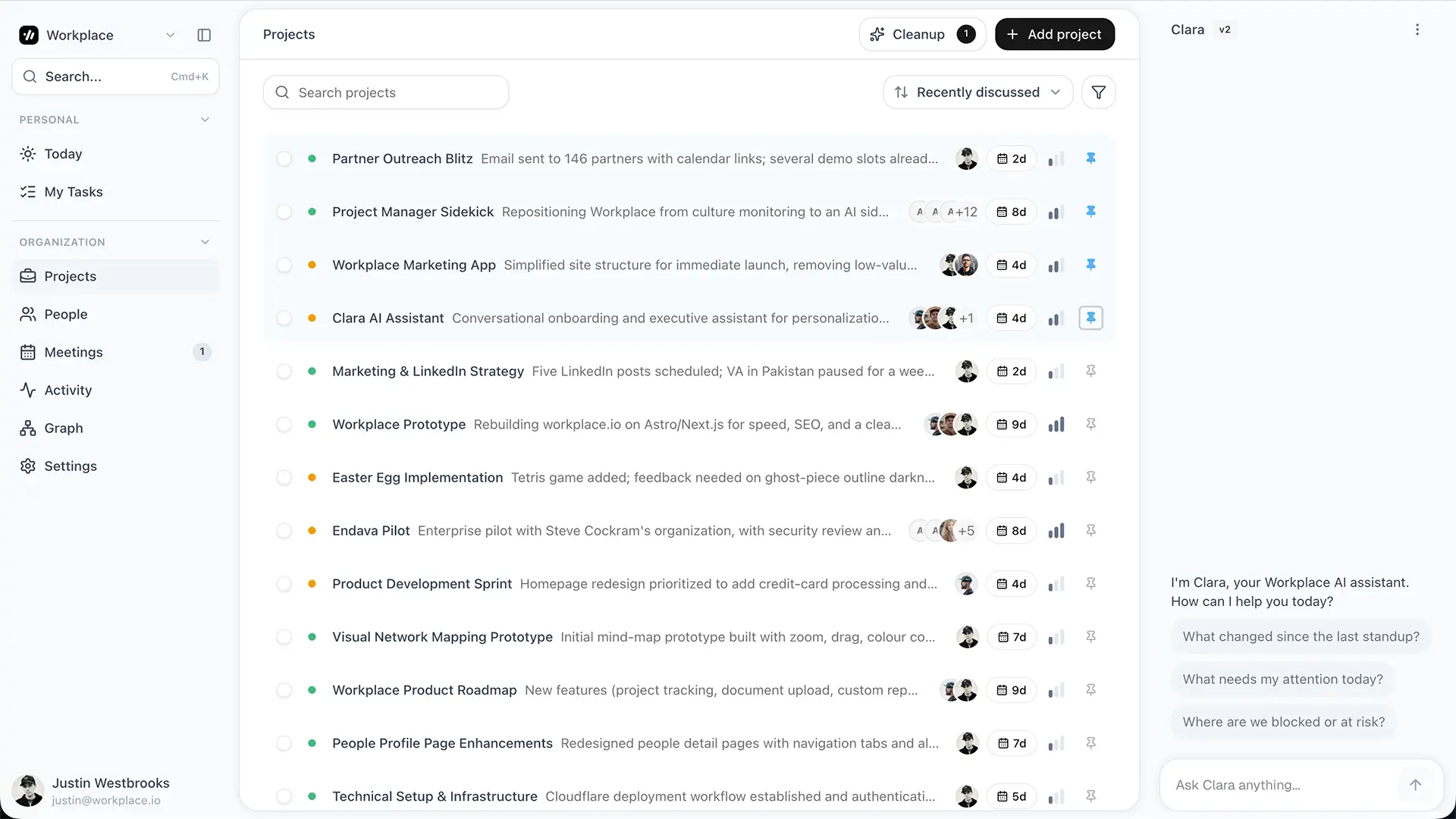
As Workplace takes notes on your meetings and team chat, it starts building out your projects, tasks, and more.
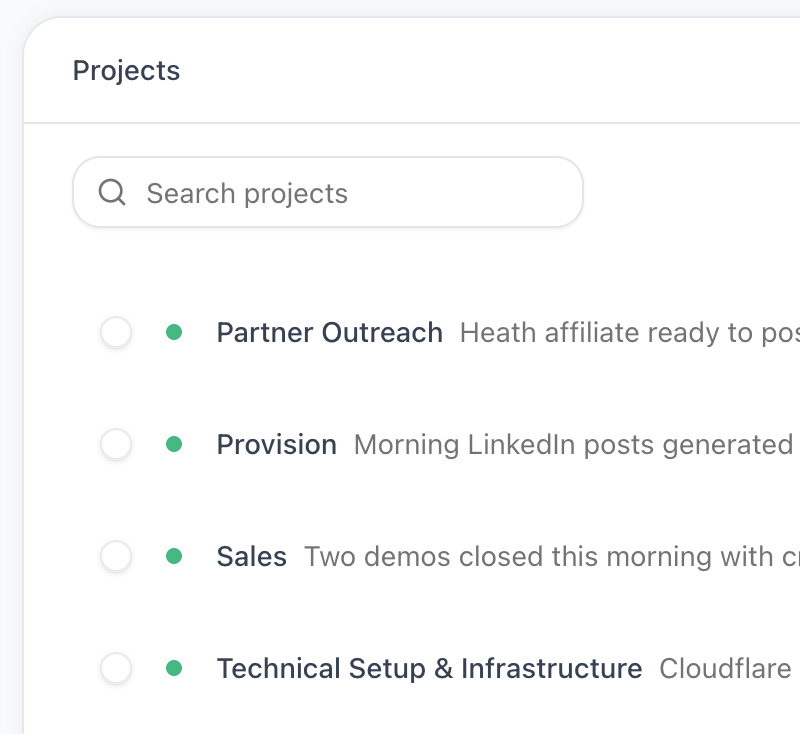
Workplace automatically keeps your projects and tasks up to date based on your collaboration. No data entry.
Works where your team works
Wherever your team meets and messages, Workplace takes notes and keeps every project updated. No new tools to learn. No new habits to build.
"This is effing awesome!"

Christopher M.
"It's amazing."

Steve C.
"Wow. Wow."

Jeff W.
"This is incredible."

Mike H.
"It's phenomenal."
Steve C.
"It's awesome. I love it. I love it."

Masi W.
"This is crazy."

Christine
"That's... that's wild."

Michael D.
"This is effing awesome!"
Christopher M.
"It's amazing."
Steve C.
"Wow. Wow."
Jeff W.
"This is incredible."
Mike H.
"It's phenomenal."
Steve C.
"It's awesome. I love it. I love it."
Masi W.
"This is crazy."
Christine
"That's... that's wild."
Michael D.
"I think that this is a game changer."

Greg M.
"Groundbreaking."

Shawn C.
"It's brilliant."
Greg M.
"That's a powerful engine."
Michael D.
"Yeah. It's the real deal, man. It is phenomenal. It's great."

Heath H.
"This is a no-brainer."
Jeff W.
"Holy cow... it's magical. It's unbelievable."

Charlie S.
"I think that this is a game changer."
Greg M.
"Groundbreaking."
Shawn C.
"It's brilliant."
Greg M.
"That's a powerful engine."
Michael D.
"Yeah. It's the real deal, man. It is phenomenal. It's great."
Heath H.
"This is a no-brainer."
Jeff W.
"Holy cow... it's magical. It's unbelievable."
Charlie S.
The difference
Every project tool says it saves you time. Then makes you do all the data entry. Workplace works the other way around.
Every other PM tool

Projects, tasks, owners, risks, and updates are created from the work your team is already doing.
Every meeting becomes a clean summary with decisions, action items, owners, and project impact.
See how people, projects, and meetings connect so cross-functional work is easier to understand.
Understand who is doing what, where they are strongest, and when workloads are getting stretched.
Capture the living memory of your company so knowledge stays findable, sourced, and current.
Ask questions across projects, meetings, people, and activity with answers grounded in your data.
Give each person a daily view of priorities, follow-ups, meetings, and tasks that need attention.
Connect the stack your team already uses instead of forcing everyone into a new workflow.
Pricing
Every plan includes the core Workplace system for turning meetings, knowledge, and team activity into live project intelligence.
| Plus $49 / Month Start Free | Pro $99 / Month Start Free | Max $199 / Month Start Free | Enterprise Contact Us | |
|---|---|---|---|---|
| Users | 1 User | 10 Users | 100 Users | Custom |
| Integrations | 3 Integrations | Unlimited Integrations | Unlimited Integrations | Unlimited Integrations |
| Projects | Unlimited Projects | Unlimited Projects | Unlimited Projects | Unlimited Projects |
| Meetings | Unlimited Meetings | Unlimited Meetings | Unlimited Meetings | Unlimited Meetings |
| AI Chat | ✓ | ✓ | ✓ | ✓ |
| Knowledge Base | ✓ | ✓ | ✓ | ✓ |
| Meeting Summaries | ✓ | ✓ | ✓ | ✓ |
| Task Tracking | ✓ | ✓ | ✓ | ✓ |
| Skill Tracking | ✓ | ✓ | ✓ | ✓ |
| Work Graph | ✓ | ✓ | ✓ | ✓ |
| Employee Activity Feed | ✓ | ✓ | ✓ | ✓ |
Contact Us
Workplace Partners
Browse our verified Workplace Partners to find a world class consultant for your business.
Learn more
The Conscious Leader Co.

Effervescent You

FocalPoint Business Coaching of Austin

The Catapult Effect

Leaders Rising Network

The Pillars Group

Vitality Lab Inc.

EdgeEcution Consulting

Rally Your Family

Kirk Leadership Group

Make SHT Happen LLC

Kinship Coaching and Consulting

PENTASPHERE Global

Bud.Designs

The Sampson Group

Emberbloom Coaching

Cura Counseling and Coaching

Lead Like One

Workplace

Strengthening Endeavors
The Conscious Leader Co.
Effervescent You
FocalPoint Business Coaching of Austin
The Catapult Effect
Leaders Rising Network
The Pillars Group
Vitality Lab Inc.
EdgeEcution Consulting
Rally Your Family
Kirk Leadership Group
Make SHT Happen LLC
Kinship Coaching and Consulting
PENTASPHERE Global
Bud.Designs
The Sampson Group
Emberbloom Coaching
Cura Counseling and Coaching
Lead Like One
Workplace
Strengthening Endeavors
Common questions
It can do either. If you already have a project management tool, Workplace can run alongside it and show you the project health, context, and real time changes those tools usually miss. If you do not have PM software, or it is not kept up to date, Workplace becomes the central place to manage projects, tasks, meetings, and updates.
Workplace plugs into the places your team already meets and messages. Slack, Zoom, Microsoft Teams, Google Meet, Gmail, Outlook, and Google Calendar. Setup takes a couple of minutes.
It listens to the meetings and conversations your team is already having. It identifies the project being discussed, extracts decisions, risks, and to-dos, and assigns them to the right people. Every signal is sourced back to the meeting it came from.
Yes. You control which meetings, channels, and accounts Workplace can access. Anything you do not connect, Workplace never sees. All data is encrypted in transit and at rest.
Yes. You decide what gets ingested, meeting by meeting. Anything marked off limits stays off limits.
No. That is the point. Workplace listens to the work your team already does. Nothing about how anyone meets or messages changes.
Project managers, program managers, engineering managers, and team leaders managing projects. It is for C-suite leaders who want more visibility into the work being done, anyone running multiple projects across multiple teams who is tired of being the human integration layer, and anyone who wants to be more organized with their team.
Most teams see their first auto generated project the day they connect their meetings. By the end of week one, projects keep themselves up to date in the background.
Connect your tools, run your meetings, and watch your projects update themselves.
Start for free


